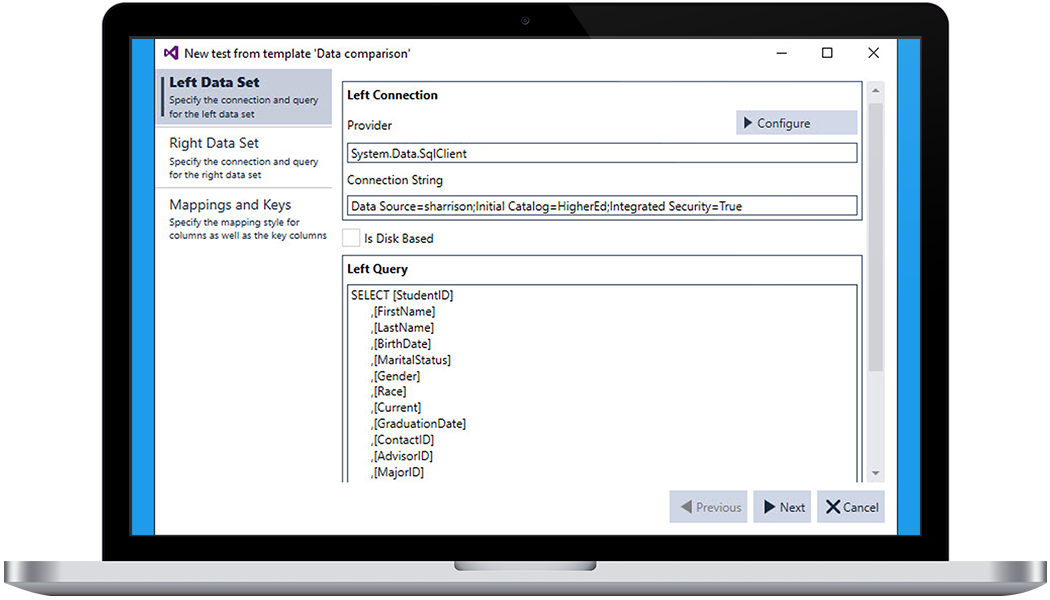
Quickly develop tests in minutes, not hours without writing any code.
See How to Test in MinutesUnit test your SQL Databases, SSIS Packages, SSRS Reports, SSAS Cubes, Web Services and more to validate the code you develop.
See How to Unit Test Your DataLegiTest 's interface integrates simply into Visual Studio so you do not have to learn a new development environment.
Learn MoreThe extensibility interface allows for extending the functionality of the generated tests.
Learn MoreEnsure that your production data is accurate and reconciled across your systems like SQL Server, Salesforce, Web Services, Oracle and much more!
See How to Verify Your Production DataImplement automated testing of your Business Intelligence and Data Warehouse projects so you can trust the code you deploy.
See How to Test Your BI SolutionsLegiTest Server gives you the ability to share your tests with others and gives you trust in the data you develop.
Learn MoreLegiTest is licensed per user, per machine where it is used. LegiTest Server is licensed per server instance, with unlimited client access licenses. Please contact sales@pragmaticworks.com for more information.
LegiTest is only compatible with Visual Studio 2012 or 2013. If you are running on an older version, you will need to upgrade.
Most testing software only tests certain aspects of data-centric development. LegiTest allows testing across all aspects of your development lifecycle, providing validation at each stage of development
Yes. LegiTest easily integrates with existing systems. It can be incorporated into build processes such as MSBuild, TFS, TeamCity and much more.
Testing your data ensures you catch bugs early, reduce delivery time, reduce the cost of testing and provides provable assurances of the validity of the data. But most of all, testing just works. Testing ensures accurate code, and more importantly accurate data.

Contains 65+ tasks, connection managers, sources and Destinations for SSIS. You can compare editions here. Task Factory does not require a license while you're running packages in Visual Studio.